I Built a Chrome Extension to Export DeepSeek Chats
I use DeepSeek a lot for:
- coding
- documentation
- research
- writing
But exporting conversations was frustrating.

Copy-paste usually breaks:
- code blocks
- tables
- formatting
- Markdown structure
So I built DeepSeek Exporter — a Chrome extension that exports DeepSeek chats into:
- PDF
- Word (.docx)
- Google Docs
- Markdown (.md)
- Notion
all in one click.

Features
Export entire chats or selected messages
You can export:
- full conversations
- only selected messages
- only prompts
- only AI responses
- Markdown support

One feature I cared about most was preserving:
- code blocks
- tables
- headings
- lists
Useful for:
- Obsidian
- GitHub README
- MkDocs
- Logseq
- Direct Notion export
You can push conversations directly into a Notion database.
Good for:
- knowledge bases
- research logs
- AI archives
- Custom styling
Before exporting, you can customize:
- fonts
- heading sizes
- colors
- alignment
- Challenges While Building
Some difficult parts:
- preserving Markdown formatting
- converting tables consistently
- handling nested code blocks
- keeping exports clean across PDF/Word/Docs
- Why I Built This
I wanted a faster workflow for saving AI conversations without messy formatting or manual cleanup.
Would love feedback from:
- developers
- writers
- researchers
- heavy AI users
What export format or integration should I add next?


 Bu videoda yeni 2026 Dacia Logan’ı detaylı şekilde inceliyor, tasarımından iç mekanına, sürüş hissinden dikkat çeken yeni özelliklerine kadar her detayı yakından gösteriyoruz.
 OpenAI, 80 yıldır çözülemeyen ünlü Erdos problemini yapay zekanın çözdüğünü açıkladı. Yeni modelin geliştirdiği ispat, matematik dünyasında büyük yankı uyandırdı.

 Yapay zekayı oyun gibi kullanıyor ve çılgın fikirleri test ediyoruz. İzleyici yorumlarıyla şekillenen interaktif yayında ilk soru: İstanbul’un enerji ihtiyacı %100 güneşten karşılanabilir mi?
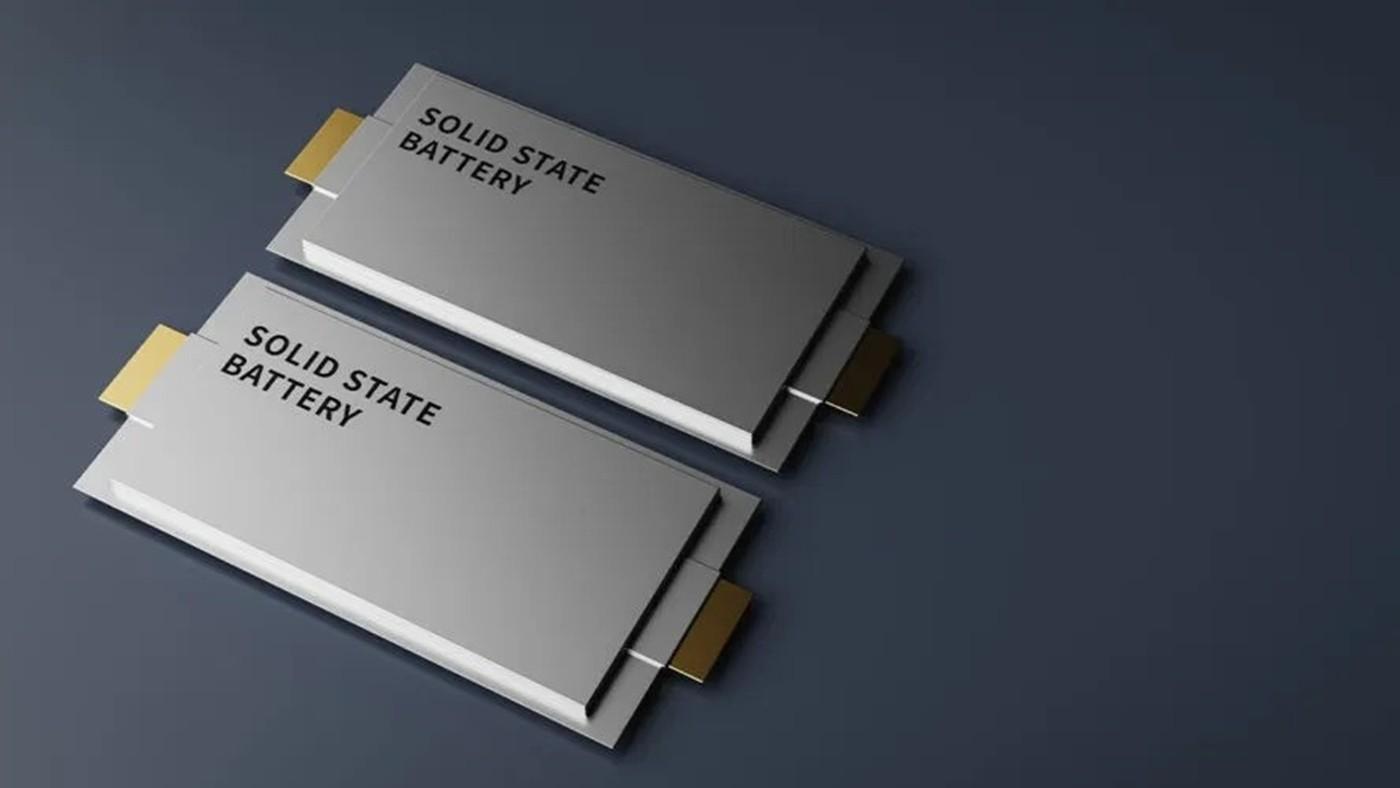
 Çinli araştırmacılar, sadece 3 dakikada şarj olabilen ve oldukça yüksek enerji yoğunluğu sunan bir katı hal batarya geliştirdi. Peki araştırmacılar bunu nasıl başardı?
 Yapay zekanın öncü firmalarından Anthropic’in gelirinin ikinci çeyrekte 10,9 milyar dolara ulaşması ve ilk faaliyet kârını açıklaması bekleniyor. Şirketin emin adımlarla büyüdüğü görülüyor.
