Ekran kartları için kötü haber: %30 zam ve stok sıkıntısı geliyor
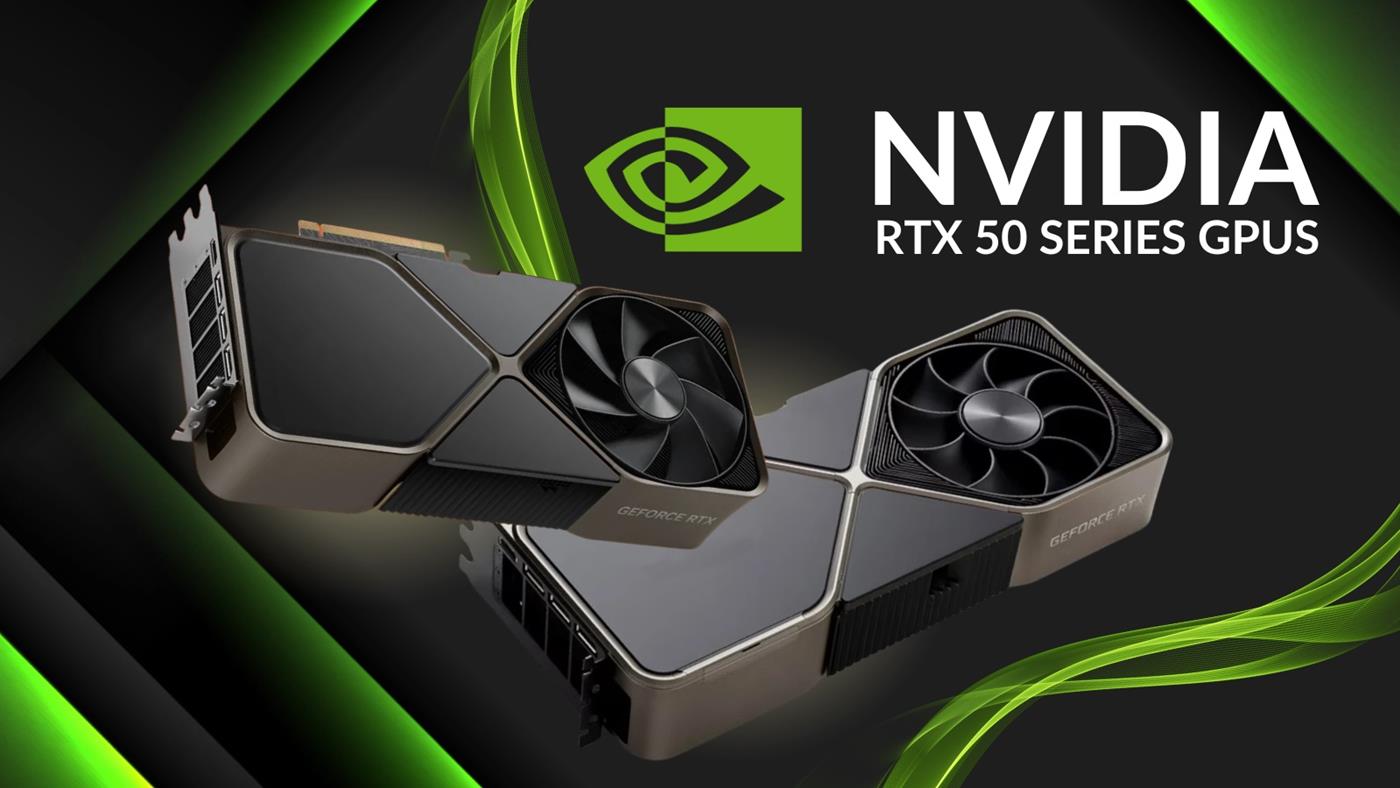
 MSI, Nvidia kaynaklı yeni bir tedarik açığı konusunda uyarıda bulundu. GeForce RTX 50 serisinde %30’a varan fiyat artışı ve pazar daralması bekleniyor. İşte detaylar…
 MSI, Nvidia kaynaklı yeni bir tedarik açığı konusunda uyarıda bulundu. GeForce RTX 50 serisinde %30’a varan fiyat artışı ve pazar daralması bekleniyor. İşte detaylar…
 Çin’in Nanning kentinde geliştirilen “mobil powerbank” konsepti, elektrikli araç sahiplerinin uzun süredir yaşadığı şarj sorununa pratik bir çözüm sunuyor.
Multi-agent systems that coordinate over HTTP serialize context into JSON, send it as request bodies, parse it on the other end, and feed it back into an LLM. Every message carries HTTP headers, content-type negotiations, and authentication tokens. Every coordination step re-transmits the accumulated context of the entire interaction because HTTP is stateless.
Measurements show this coordination overhead costs up to 15x more tokens than the actual task content.
A three-agent pipeline processing a document: Agent A sends the document + instructions to Agent B (5K tokens). Agent B sends everything + its analysis to Agent C (12K tokens). Agent C sends the full chain back with its contribution (20K tokens). The document was 3K tokens. The coordination overhead was 34K.
At scale, 15x token overhead versus 1x is the difference between cost-effective and prohibitively expensive.
REST polling is even worse. 98.5% of requests return nothing new. You pay for every empty round trip.
Pilot Protocol connections are stateful. They maintain sequence numbers, acknowledgment state, and flow control windows. The tunnel stays open. The encryption context persists. An agent sends a small delta — “anomaly count updated to 48” — instead of re-serializing the entire context. 19 bytes, encrypted, delivered.
WebSockets attempt to solve this but break at scale and still require public endpoints. Pilot’s persistent bidirectional tunnels work behind NAT, across cloud providers, with automatic reconnection.
The token tax is not just a cost problem. It is a latency problem (re-serializing context adds processing time), a reliability problem (larger payloads are more likely to fail mid-transmission), and a complexity problem (every agent must implement context management). A stateful transport layer eliminates all four simultaneously.
Read more: Why AI Agents Need Their Own Network Stack · Move Beyond REST: Persistent Connections for Agents · Replace Webhooks With Persistent Agent Tunnels
 Chery, Paris’te yeni bir Ar-Ge merkezi açtı. Omoda ve Jaecoo markaları için Avrupa pazarına yönelik yeni nesil kompakt şehir otomobilleri bu merkezde geliştirilecek.
 Xiaomi 18 Pro için yeni sızıntılar ortaya çıktı. 7000 mAh batarya, çift 200 MP kamera ve Snapdragon 8 Elite Gen 6 işlemci ile geliyor. İşte detaylar…
We have been building Fazm for about six months – a macOS desktop agent that uses voice input to control your computer. Along the way we ran into a lot of Swift-specific challenges that we did not see documented anywhere. Here is what we learned.
ScreenCaptureKit for Real-Time Screen Capture
The first problem is capturing what is on the screen. We needed something fast enough for real-time use but lightweight enough to run continuously without killing battery life.
ScreenCaptureKit was the answer. Apple introduced it in macOS 12.3 as a modern replacement for the older CGWindowListCreateImage approach. The key advantages for an AI agent:
The tricky part was getting the update frequency right. Too slow and the agent misses UI state changes. Too fast and you waste compute processing identical frames. We settled on adaptive capture – high frequency during active automation, low frequency during idle monitoring.
Accessibility APIs Beat Screenshots Every Time
Early on we tried the screenshot-and-OCR approach that most AI computer agents use. Take a picture of the screen, send it to a vision model, get back coordinates of where to click. It works in demos. It breaks in production.
The problems are fundamental:
macOS accessibility APIs solve all of this. Instead of guessing what a UI element is based on its appearance, you query it directly by role, label, and position in the element hierarchy. A “Save” button is always AXButton with AXTitle: "Save", regardless of what it looks like.
The accessibility tree gives you:
This is the same interface screen readers use, which means it is designed to be stable across visual changes. When an app redesigns their UI, the accessibility tree usually stays the same. We wrote a detailed comparison of this approach versus screenshot-based vision in how AI agents see your screen.
Swift Concurrency for the Pipeline
A desktop AI agent has a natural pipeline: capture screen, process with LLM, execute actions, verify result. Each stage has different latency characteristics and failure modes.
Swift’s structured concurrency turned out to be a great fit:
The biggest lesson was to not fight the concurrency model. Early versions tried to use completion handlers and dispatch queues, and the code was a mess. Rewriting to async/await made the pipeline logic readable and the error handling straightforward.
Voice Input with WhisperKit
For voice control, we use WhisperKit running locally on Apple Silicon. The key decision was local vs cloud transcription. Cloud gives you better accuracy. Local gives you zero latency and complete privacy.
For a desktop agent, privacy wins. The agent already sees everything on your screen – sending audio to a cloud service on top of that was a non-starter. WhisperKit on an M1 gives us usable transcription speed with good-enough accuracy for command input.
The Architecture Summary
The full pipeline looks like:
Each step is an async operation in a structured concurrency pipeline. Failures at any stage cancel downstream work cleanly.
Fazm is open source on GitHub – MIT licensed, written entirely in Swift/SwiftUI.