
7 Mac Apps for Developers Starting Their First Side Project in 2026
Starting a side project is exciting — until you realize how much time you waste on things that aren’t coding. Window management, context switching, losing track of API costs, doomscrolling when you should be shipping.
After launching three side projects over the past year, these are the Mac apps that genuinely kept me moving. No fluff, no affiliate links — just tools that earned their spot on my dock.
1. Raycast — The Launcher That Replaces Five Other Apps
If you’re still using Spotlight, you’re leaving speed on the table. Raycast is a launcher, clipboard manager, snippet expander, and window manager rolled into one. I use it to quickly search docs, switch between projects, and run custom scripts. The free tier covers everything most side project devs need.
2. Warp — A Terminal That Actually Feels Modern
Warp rethinks the terminal from scratch. Command blocks, AI-powered command search, and real collaboration features make it feel like a terminal built in 2026 instead of 1985. If your side project involves any CLI work (and it does), Warp cuts friction immediately.
🔗 warp.dev
3. Rectangle — Window Management Without the Learning Curve
When you’re juggling a code editor, browser, terminal, and design tool, you need snapping that just works. Rectangle gives you keyboard-driven window management for free. Drag to edges or use shortcuts — either way, your screen stays organized without thinking about it.
4. TokenBar — Know What Your AI Tools Actually Cost
If your side project uses any LLM APIs — ChatGPT, Claude, Gemini — TokenBar sits in your menu bar and tracks token usage and costs in real time. I didn’t realize how fast my API spending was climbing until I could literally see it ticking up. At $5 lifetime, it paid for itself on day one.
5. CleanShot X — Screenshots and Screen Recording Done Right
Every side project needs screenshots eventually — for your landing page, docs, bug reports, or social posts. CleanShot X handles screenshots, annotations, scrolling captures, and screen recording in one tool. The built-in editor saves you from opening Figma for quick mockups.
6. Monk Mode — Block the Feeds, Keep the Apps
This one changed my shipping velocity more than any code tool. Monk Mode doesn’t block entire apps like traditional blockers — it blocks the feeds inside apps. So you can still use Twitter for customer support or Reddit for research, but the infinite scroll is gone. When I’m in a deep coding session on my side project, this is what keeps me there.
7. Bear — Markdown Notes That Stay Out of Your Way
For side project planning, I don’t need Notion’s complexity. Bear gives me fast, beautiful markdown notes with tagging, search, and sync across devices. I keep a running doc for each project — ideas, decisions, bugs — and Bear makes it effortless to capture thoughts without breaking flow.
🔗 bear.app
Honorable Mentions
- Homebrew — if it’s not installed yet, stop reading and go install it: brew.sh
- MetricSync — I use this on my iPhone to snap photos of meals instead of manually logging calories. When you’re deep in side project mode, health tracking is the first thing to slip. $5/mo and way less friction than MyFitnessPal. metricsync.download
- Hand Mirror — one-click webcam check in your menu bar before standups or demo calls
The Pattern
Notice something? Most of these tools are small, focused, and stay out of your way. The best side project toolkit isn’t about power features — it’s about removing friction so you can spend your limited evening hours actually building.
What’s in your side project toolkit? Drop your picks in the comments 👇

 Ulaştırma ve Altyapı Bakanlığı’nın belirlediği resmi 1 Nisan tarihinden önce Turkcell, Türk Telekom, Vodafone 5G’yi birçok ilde aktif hale getirmeye başladı. İnternet hızları ciddi şekilde yükseldi.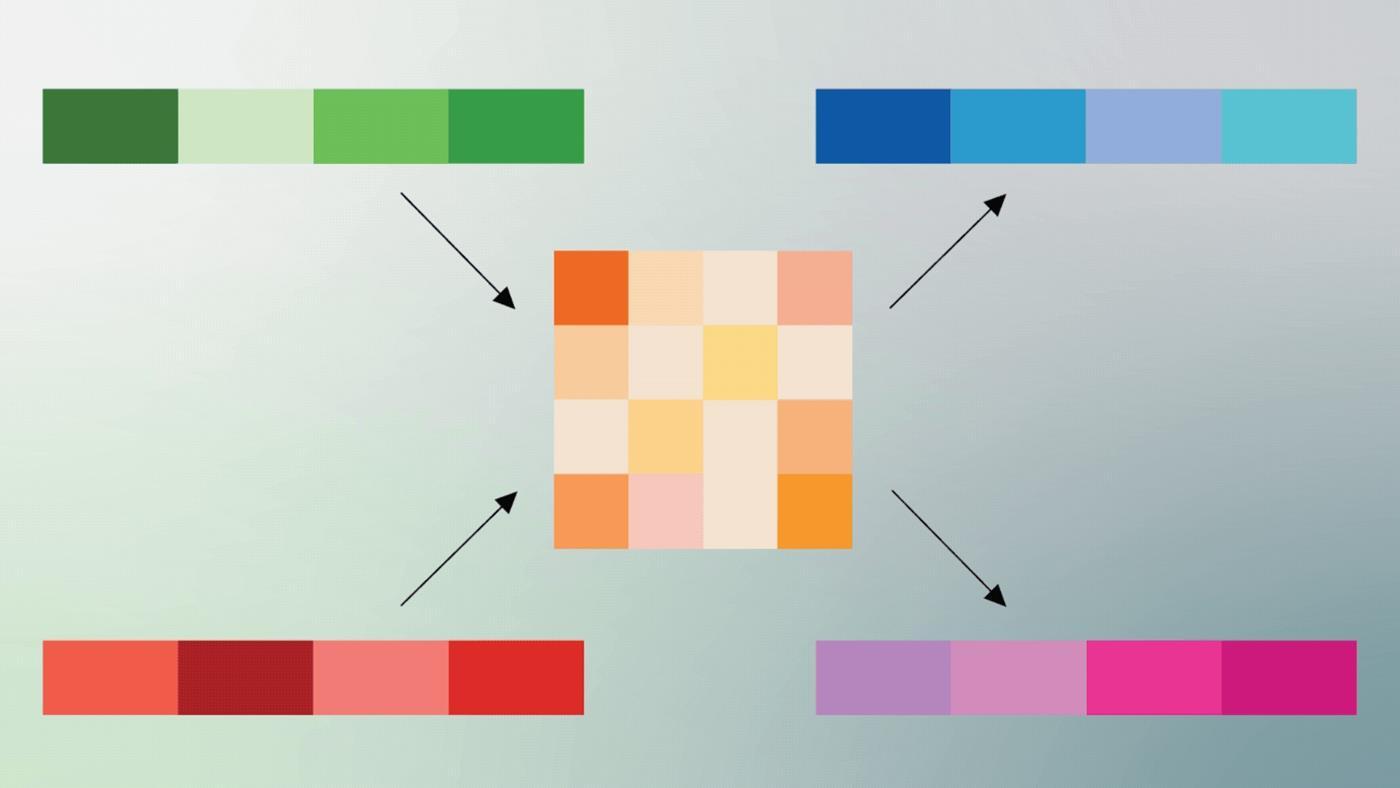
 Google, yapay zeka modellerinin en büyük darboğazlarından biri olan bellek tüketimi ve işlem maliyetini kökten değiştirebilecek TurboQuant isimli yeni sıkıştırma algoritmasını duyurdu.
 Google, metin girdilerinden şarkılar üreten yapay zeka modeli Lyria’nın yeni sürümü olan Lyria 3 Pro’yu tanıttı. Yeni araç, kullanıcıların 3 dakikaya kadar müzikler oluşturmasına olanak tanıyor.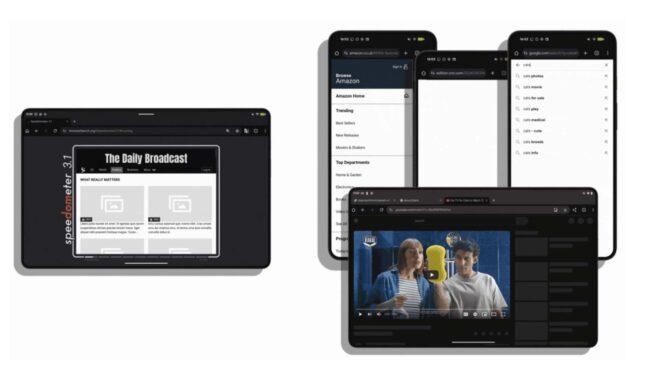
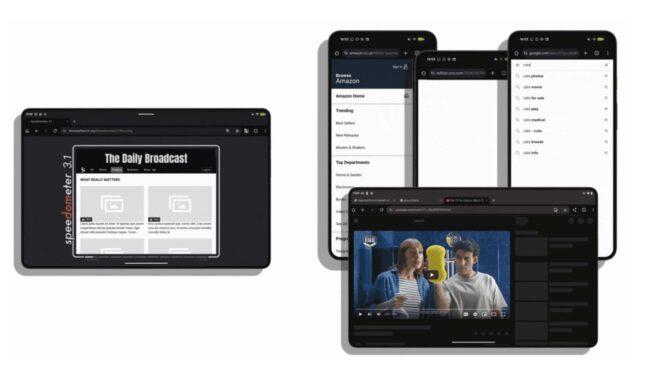 Bugün resmi Chromium blog sayfası üzerinde bir yazı paylaşan Google, Android’in artık web’de gezinme özelinde en hızlı mobil platform olduğunu söyledi. Yaptığı açıklamada, “Web, Android deneyiminin en önemli parçalarından biri. İster Chrome’da geziniyor olun ister WebView kullanan binlerce uygulamadan birini kullanıyor olun, web’in hızı telefonunuzun hızı demektir. Bugün bu alanda büyük bir başarıyı paylaşıyoruz: Android artık web’de gezinme konusunda en hızlı mobil platform.” diyen Google, burada isim vermeden iOS’u geride bıraktıklarını aktarıyor. “En yeni amiral gemisi Android cihazlar; donanım, Android işletim sistemi ve Chrome arasındaki derin uyum sayesinde yeni performans sınırları belirliyor.” diye konuşan şirket, “Speedometer ve LoadLine gibi önemli web testlerinde tüm mobil rakiplerini geride bırakan yeni nesil cihazlar, mobilde daha önce hiç görülmemiş bir akıcılık ve hız sunuyor.” ifadelerini kullandı.