One of the best ways to truly understand a protocol is to build it yourself, watch the packets, and ask “why does each field exist?” This post walks through a DHCP lab I set up in GNS3 — configuring a Cisco router as the DHCP server, a switch in the middle, and two PCs as clients — then captures and explains every packet in the DORA handshake using Wireshark.
Lab topology
The setup is intentionally simple: one router acting as DHCP server, one switch forwarding traffic, and two VPCS clients requesting addresses.
R1
Router / DHCP server → SW1 Switch → PC1 Client·PC2 Client
Router configuration
On R1, I assigned a static IP to the interface facing the LAN, created a DHCP pool for the 192.168.1.0/24 subnet, and excluded a range so the router’s own address and a few reserved IPs wouldn’t be handed out.
interface GigabitEthernet1/0
ip address 192.168.1.254 255.255.255.0
ip dhcp pool LAN
network 192.168.1.0 255.255.255.0
ip dhcp excluded-address 192.168.1.2 192.168.1.10
The DORA handshake — explained packet by packet
DHCP works through four messages, collectively called DORA. I captured all four in Wireshark, and here’s exactly what each one contained and why.

1 — DISCOVER
Client broadcasts for a server
Source: 0.0.0.0 → Dest: 255.255.255.255 · UDP 68→67
Message type
Boot Request (1)
Client IP : 0.0.0.0
Client MAC : 00:50:79:66:68:01
Transaction ID : 0x7db99e22
Hops :0
2 — OFFER
Server proposes an IP address
Source: 192.168.1.254 → Dest: 192.168.1.1 · UDP 67→68
Message type :Boot Reply (2)
Your (client) IP :192.168.1.1
Server identifier :192.168.1.254
Subnet mask : 255.255.255.0
Options included :Router, DNS, Lease
3 — REQUEST
Client accepts the offer
Source: 0.0.0.0 → Dest: 255.255.255.255 · UDP 68→67
Message type : Boot Request (1)
Client IP : 192.168.1.1
Requested IP :192.168.1.1
Server ID : 192.168.1.254
Still broadcast?
Yes — 255.255.255.255
4 — ACK
Server confirms the lease
Source: 192.168.1.254 → Dest: 192.168.1.1 · UDP 67→68
Message type :Boot Reply (2)
Your (client) IP :192.168.1.1
Lease time :Option 51
Renewal time :Option 58
Rebind time :Option 59
Things I noticed in the capture
Why does the Request still broadcast, even after getting an Offer?
The client broadcasts the Request (instead of unicasting directly to the server) so that any other DHCP servers on the network also see it and know their offer was not accepted. This lets them release the IP they had tentatively reserved — a small but important detail that keeps address pools clean.
Why is 0.0.0.0 the source in Discover and Request?
The client doesn’t have an IP yet at this point — that’s the whole reason it’s sending DHCP messages. It uses 0.0.0.0 as a placeholder source, which the IP stack allows specifically for DHCP bootstrap situations.
What is the Transaction ID for?
The Transaction ID (0x7db99e22 in this capture) is a random number the client generates to match Offers and ACKs back to its own Discover and Request. This is important because in a busy network, multiple clients may be running DORA simultaneously — the Transaction ID tells each client which replies belong to them.
What about the Gratuitous ARP after the ACK?
Right after receiving the DHCP ACK, PC1 sent three Gratuitous ARP broadcasts for 192.168.1.1. This is the client announcing its new IP to the network and simultaneously checking whether any other device is already using that address. If something responds, there’s a conflict. If nothing responds, the address is safely claimed.
DHCP options visible in the Offer and ACK
Both the Offer and ACK carried the following options beyond just the IP address — this is what makes DHCP a full network configuration protocol, not just an IP assignment tool.
Options in DHCP :
From the Discover (Images 2 & 3):
Option 53 — DHCP Message Type (Discover)
Option 12 — Host Name
Option 61 — Client Identifier
Option 255 — End
From the Offer (Image 4):
Option 53 — DHCP Message Type (Offer)
Option 54 — DHCP Server Identifier (192.168.1.254)
Option 51 — IP Address Lease Time
Option 58 — Renewal Time Value
Option 59 — Rebinding Time Value
Option 1 — Subnet Mask (255.255.255.0)
Option 3 — Router
Option 6 — Domain Name Server
Option 255 — End
From the Request (Image 5):
Option 53 — DHCP Message Type (Request)
Option 54 — DHCP Server Identifier (192.168.1.254)
Option 50 — Requested IP Address (192.168.1.1)
Option 61 — Client Identifier
Option 12 — Host Name
Option 55 — Parameter Request List
Option 255 — End
From the ACK (Image 6):
Option 53 — DHCP Message Type (ACK)
Option 54 — DHCP Server Identifier (192.168.1.254)
Option 51 — IP Address Lease Time
Option 58 — Renewal Time Value
Option 59 — Rebinding Time Value
Option 1 — Subnet Mask (255.255.255.0)
Option 3 — Router
Option 6 — Domain Name Server
Option 255 — End
Result on the client
After the handshake completed, running ip dhcp on the VPCS client confirmed it received 192.168.1.11/24 with a gateway of 192.168.1.254 — as expected, since .1 through .10 were excluded from the pool.
What I took away from this lab
Reading about DHCP in a textbook and actually watching the four packets flow through Wireshark are very different experiences. Seeing the Transaction ID stay consistent across all four messages, watching the source IP go from 0.0.0.0 to the assigned address, and noticing the post-ACK Gratuitous ARPs made the protocol feel concrete rather than abstract. The next step is to add a second subnet and configure a DHCP relay (ip helper-address) to see how DORA behaves when the server and client are on different networks.


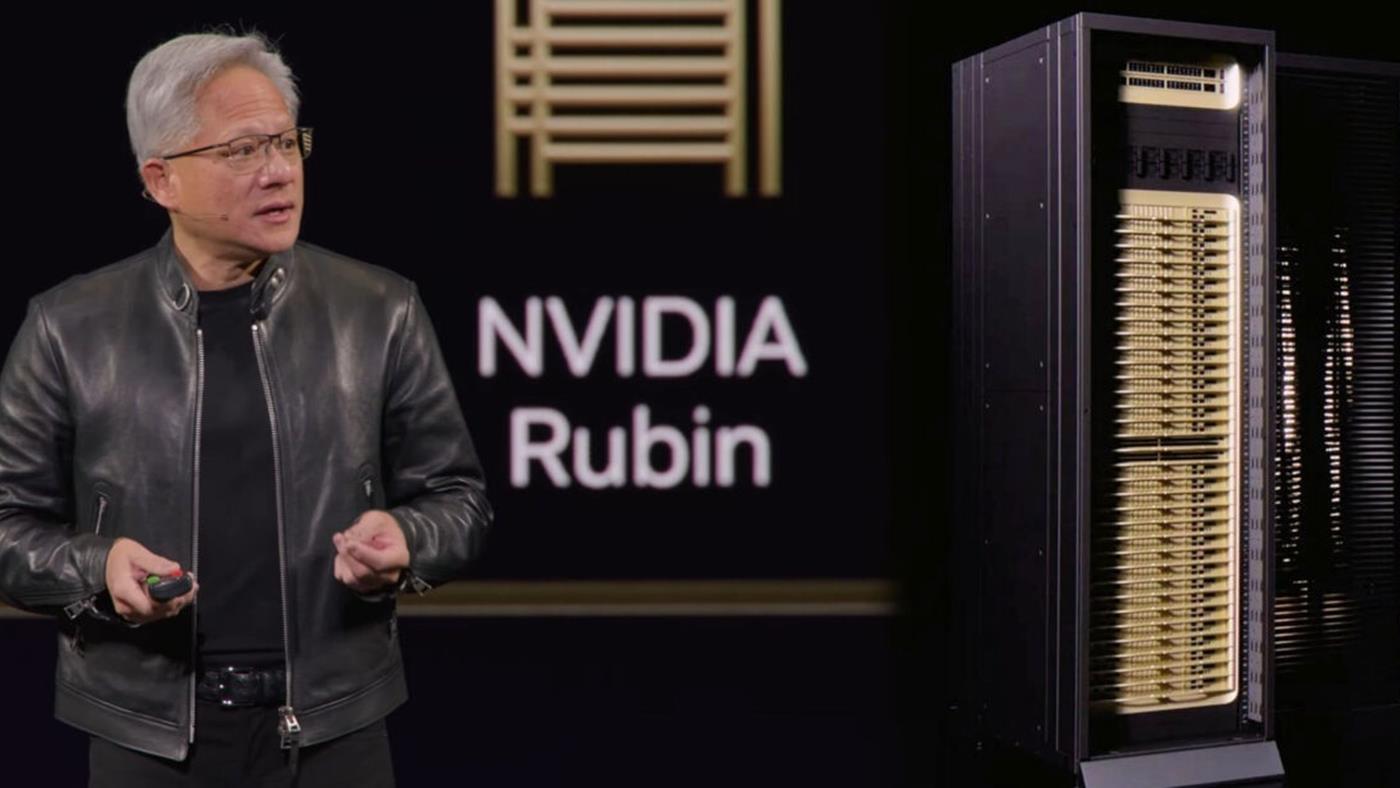
 Nvidia, GTC 2026’da Vera Rubin platformunu tanıttı. 7 çipli yeni mimari, AI veri merkezlerinde performans, bant genişliği ve enerji verimliliğini ciddi ölçüde artırmayı hedefliyor.

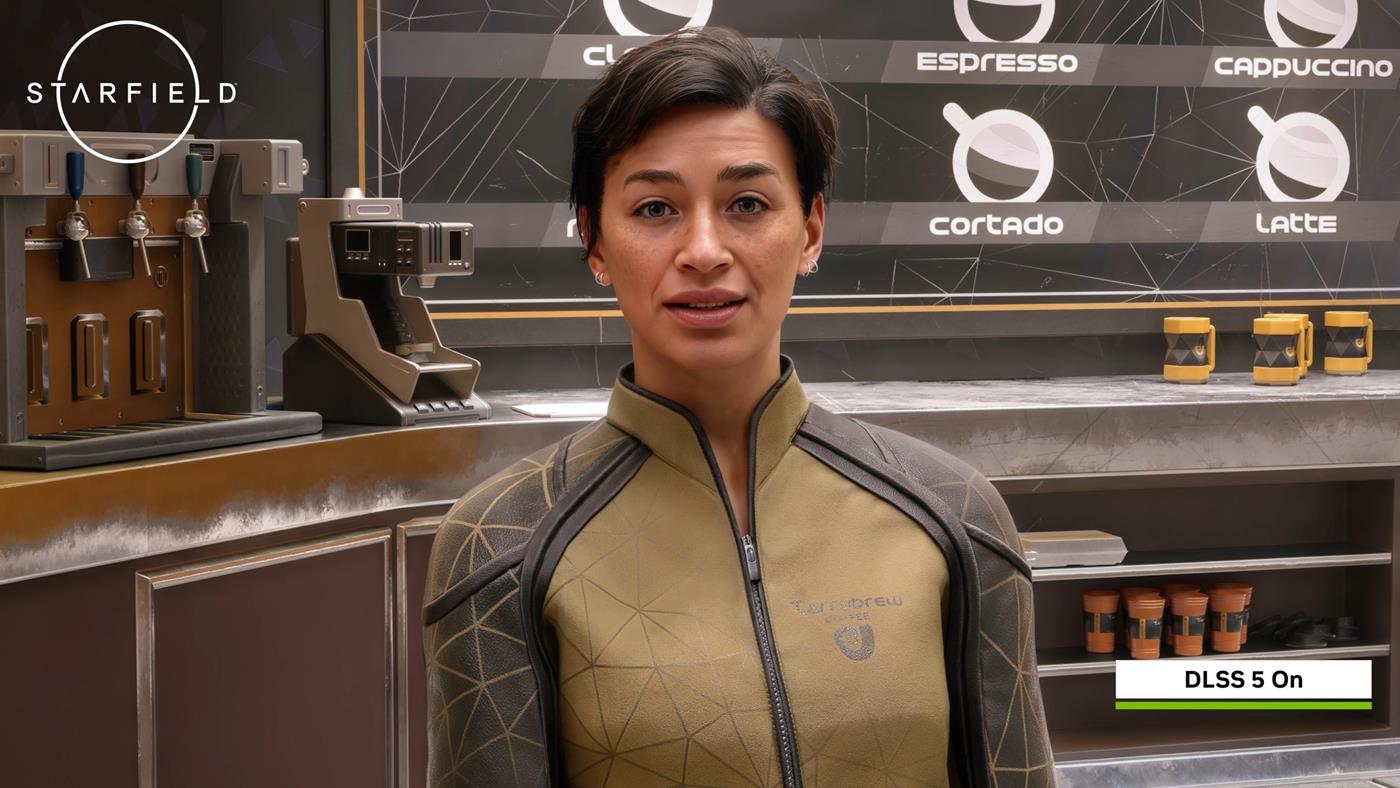
 DLSS 5’in sunduğu fotogerçekçi grafikler oyun dünyasını ikiye böldü. Kimileri devrim derken, kimileri sanatı bozan “yapay zeka filtresi” diyerek sert tepki gösteriyor.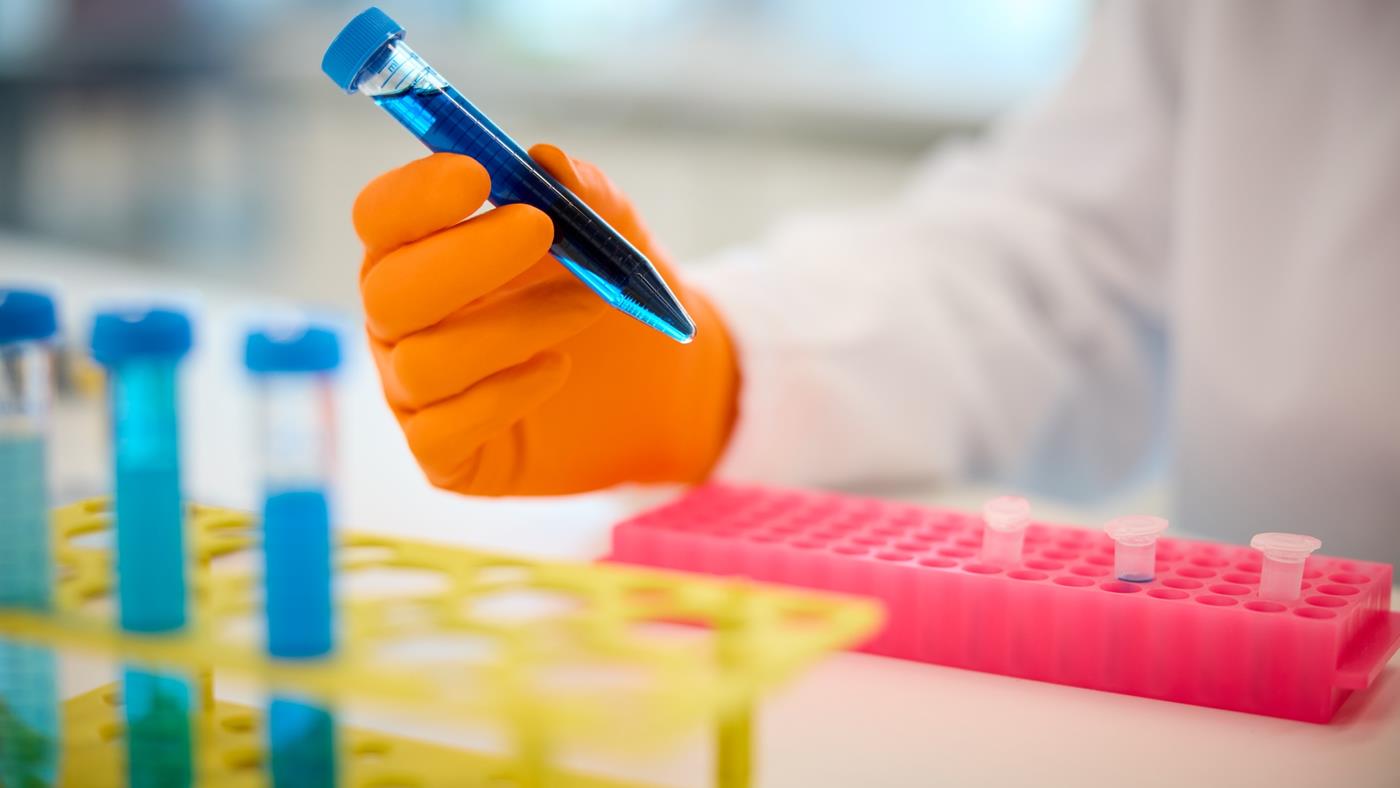
 İsviçreli Roche, 3.500’den fazla GPU ile ilaç keşfi ve tanı geliştirme süreçlerini hızlandıracak en büyük yapay zeka altyapısını kurdu. Bu “fabrika” Ar-Ge’den üretime tüm süreci hızlandıracak.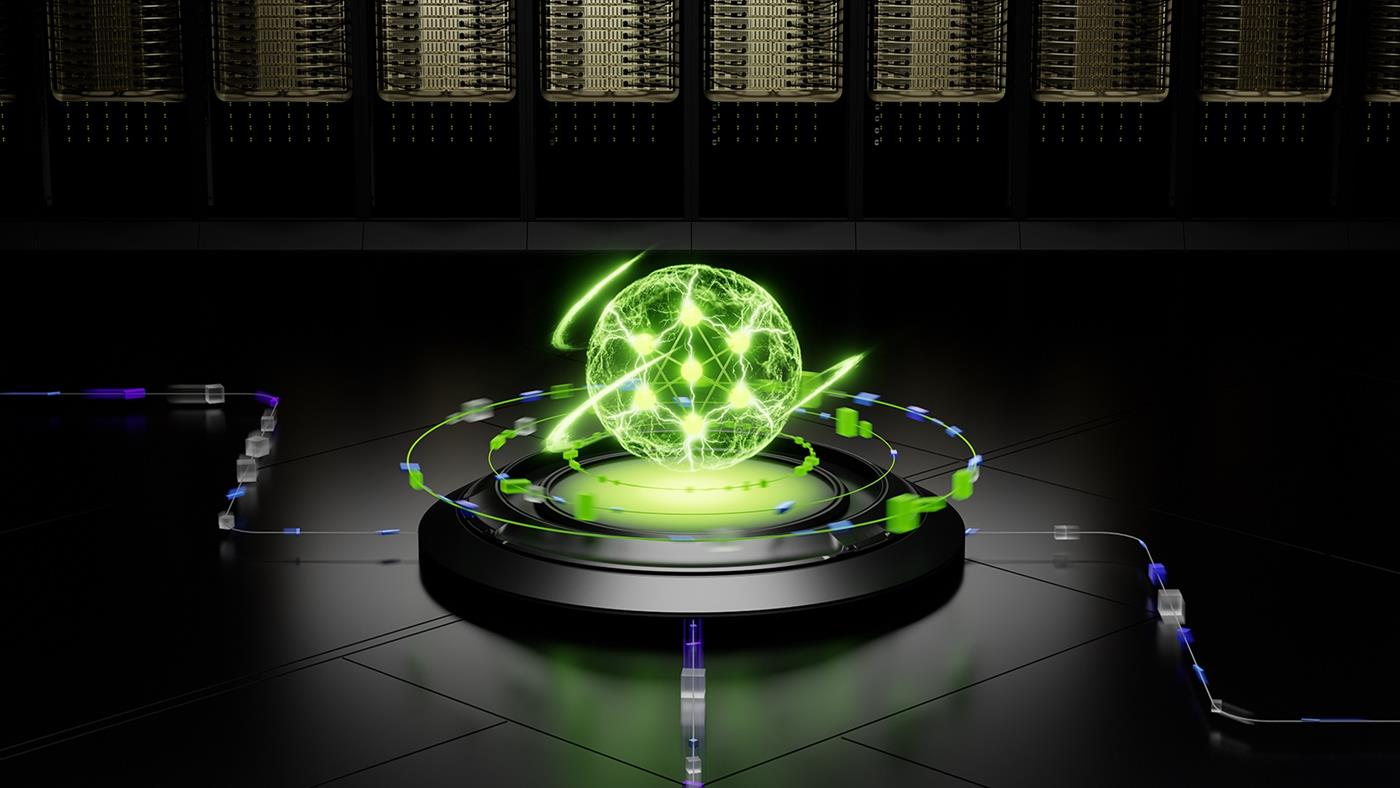
 Nvidia, yapay zeka fabrikaları için Dynamo 1.0 işletim sistemini tanıttı. Platform, 7 kata kadar çıkarım performansı artışı ve açık kaynak yapısıyla geliyor. İşte detaylar…