
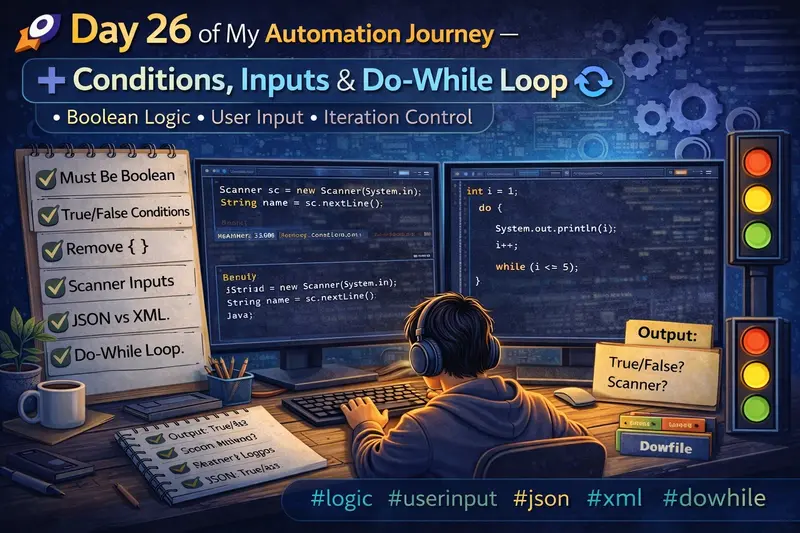
Today’s session was a mix of core Java fundamentals + tricky logic + real-world usage 💡
We explored how conditions work, how loops behave without braces, user input handling, and even touched JSON/XML basics.
Let’s break it down step by step 👇
🔹 1. Condition Must Be Boolean (True/False)
In Java, every condition must return either true or false.
❌ Invalid Example
int i = 1;
while(i) {   // ❌ Compilation Error
    System.out.println(i);
}
👉 Why error?
- Java does NOT allow non-boolean conditions
- Unlike C/C++, numbers are not treated as true/false
✅ Correct Example
int i = 1;
while(i <= 5) {
    System.out.println(i);
    i++;
}
✔ Condition → i <= 5 → returns boolean
✔ Hence valid
🔹 2. True / False Direct Conditions
You can directly use true or false in conditions.
✅ Example
if(true) {
    System.out.println("Always runs");
}
✔ Output:
Always runs
❌ Example
if(false) {
    System.out.println("Never runs");
}
✔ Output:
(no output)
👉 This is useful for testing or debugging
🔹 3. Removing Curly Braces { }
Java allows skipping { } if only one statement is present.
✅ Example
for(int i = 1; i <= 5; i++)
    System.out.println(i);
✔ Output:
1 2 3 4 5
⚠️ Tricky Case
for(int i = 1; i <= 5; i++)
    System.out.println(i);
    System.out.println("Done");
✔ Output:
1 2 3 4 5
Done
👉 Only the first statement is inside loop
👉 Second statement runs once after loop
🔹 4. Infinite Loop (By Default True)
If condition is always true → loop never stops 😱
Example
for(;;) {
    System.out.println("Infinite Loop");
}
👉 This is equivalent to:
while(true) {
    System.out.println("Infinite Loop");
}
✔ Used in:
- Servers
- Continuous monitoring systems
🔹 5. break and continue
🔸 break → stops loop completely
for(int i = 1; i <= 5; i++) {
    if(i == 3)
        break;
    System.out.println(i);
}
✔ Output:
1
2
🔸 continue → skips current iteration
for(int i = 1; i <= 5; i++) {
    if(i == 3)
        continue;
    System.out.println(i);
}
✔ Output:
1
2
4
5
🔹 6. Taking Input from User (Scanner)
To read input in Java, we use Scanner.
Example
import java.util.*;

public class Test {
    public static void main(String[] args) {
        Scanner sc = new Scanner(System.in);

        System.out.print("Enter your name: ");
        String name = sc.nextLine();

        System.out.println("Hello " + name);
    }
}
⚠️ Important Notes
❌ Java does NOT directly support char input
✔ Workaround:
char ch = sc.next().charAt(0);
✔ For String:
String name = sc.nextLine();
🔹 7. Multiple Inputs Example
Scanner sc = new Scanner(System.in);

System.out.print("Enter Tamil mark: ");
int tamil = sc.nextInt();

System.out.print("Enter English mark: ");
int english = sc.nextInt();

int total = tamil + english;

System.out.println("Total mark: " + total);
✔ Output Example:
Enter Tamil mark: 80
Enter English mark: 90
Total mark: 170
🔹 8. JSON vs XML (Basic Understanding)
🔸 JSON (JavaScript Object Notation)
{
  "username": "Manikandan",
  "password": "1234"
}
✔ Lightweight
✔ Easy to read
✔ Mostly used in APIs
🔸 XML (Extensible Markup Language)
<user>
    <username>Manikandan</username>
    <password>1234</password>
</user>
✔ Structured format
✔ Used in older systems / configs
🔹 9. Do-While Loop
👉 Runs at least once, even if condition is false
Example
int i = 1;

do {
    System.out.println(i);
    i++;
} while(i <= 5);
✔ Output:
1 2 3 4 5
🔥 Key Difference
| Loop Type | Condition Check |
|---|---|
| while | Before execution |
| do-while | After execution |
🧠 Key Takeaways
✔ Condition must always be boolean
✔ Java does NOT allow non-boolean conditions
✔ Without {}, only one statement is considered
✔ Infinite loops happen when condition is always true
✔ break → exits loop
✔ continue → skips iteration
✔ Scanner is used for user input
✔ JSON is lightweight, XML is structured
✔ do-while runs at least once
🏁 Conclusion
Today was all about understanding how Java actually behaves under the hood 🧠
These small concepts are very important when:
- Writing automation scripts
- Handling test data
- Building logic-driven frameworks
🔥 Step by step, building strong fundamentals in automation!
🤖 A Small Note
I used ChatGPT to help structure and refine this blog while keeping the concepts aligned with my learning.